

Skip to main content Scroll Top
jujutoys.RO
Jujutoys-Gladiator-view-2-Bratcovici Radu-tablet

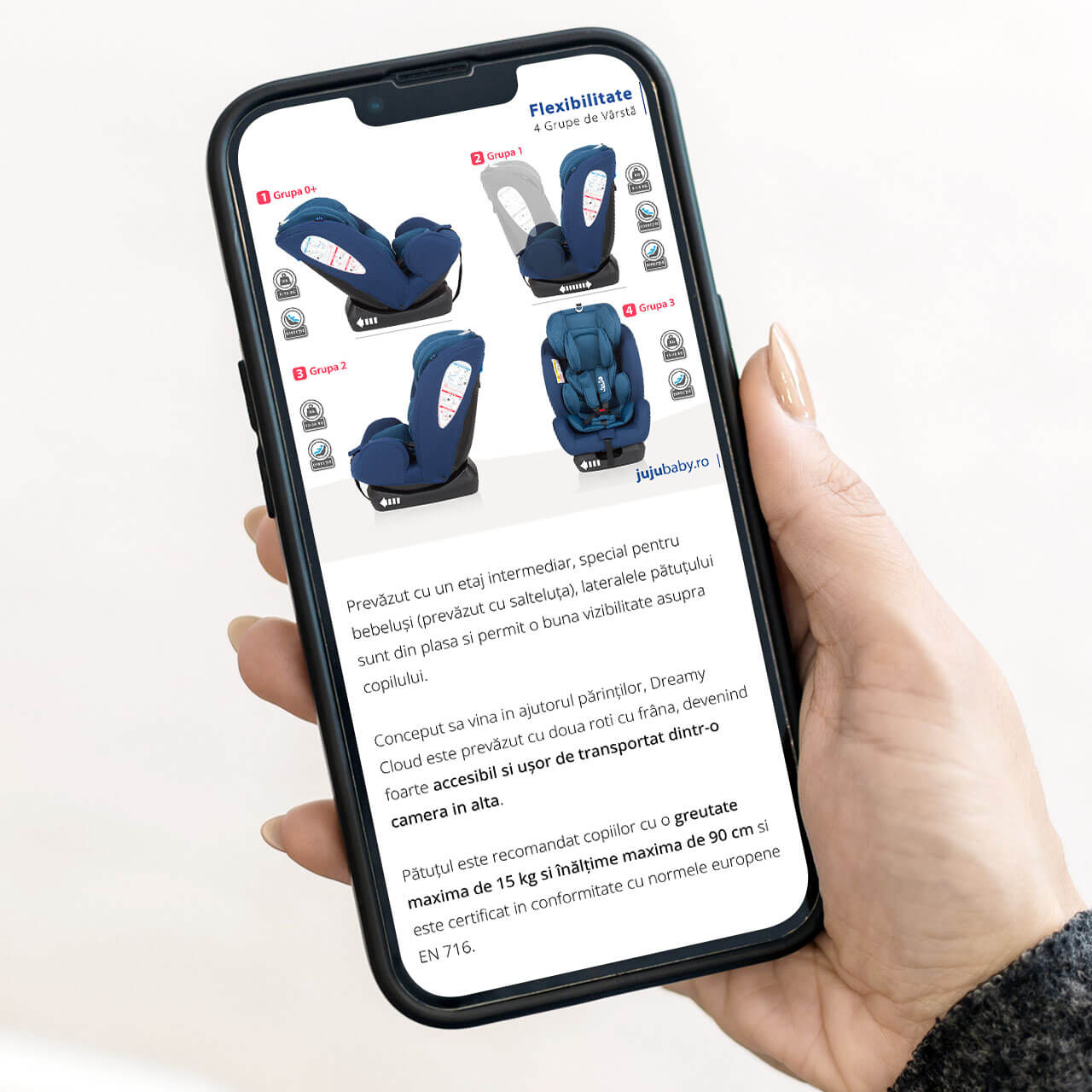
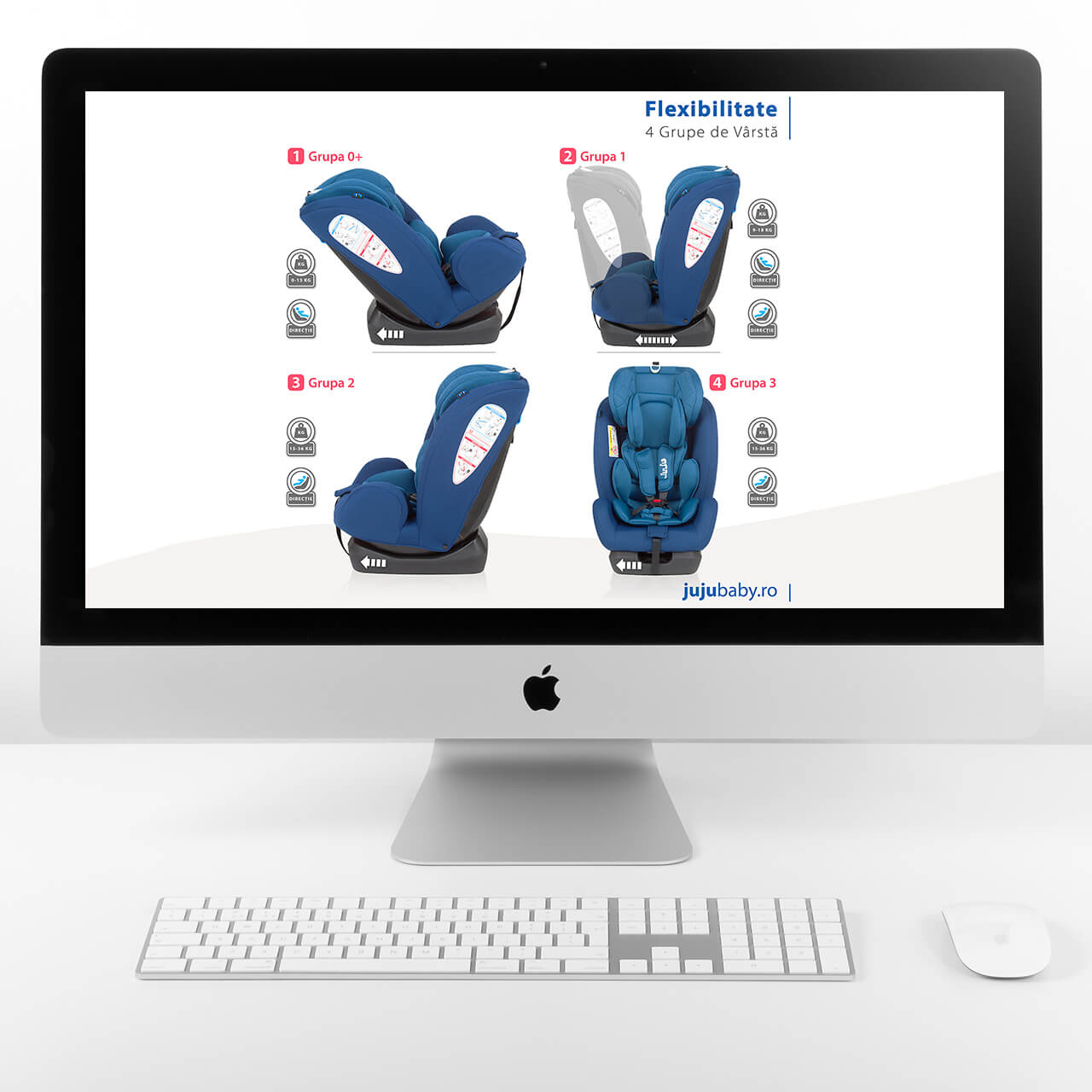
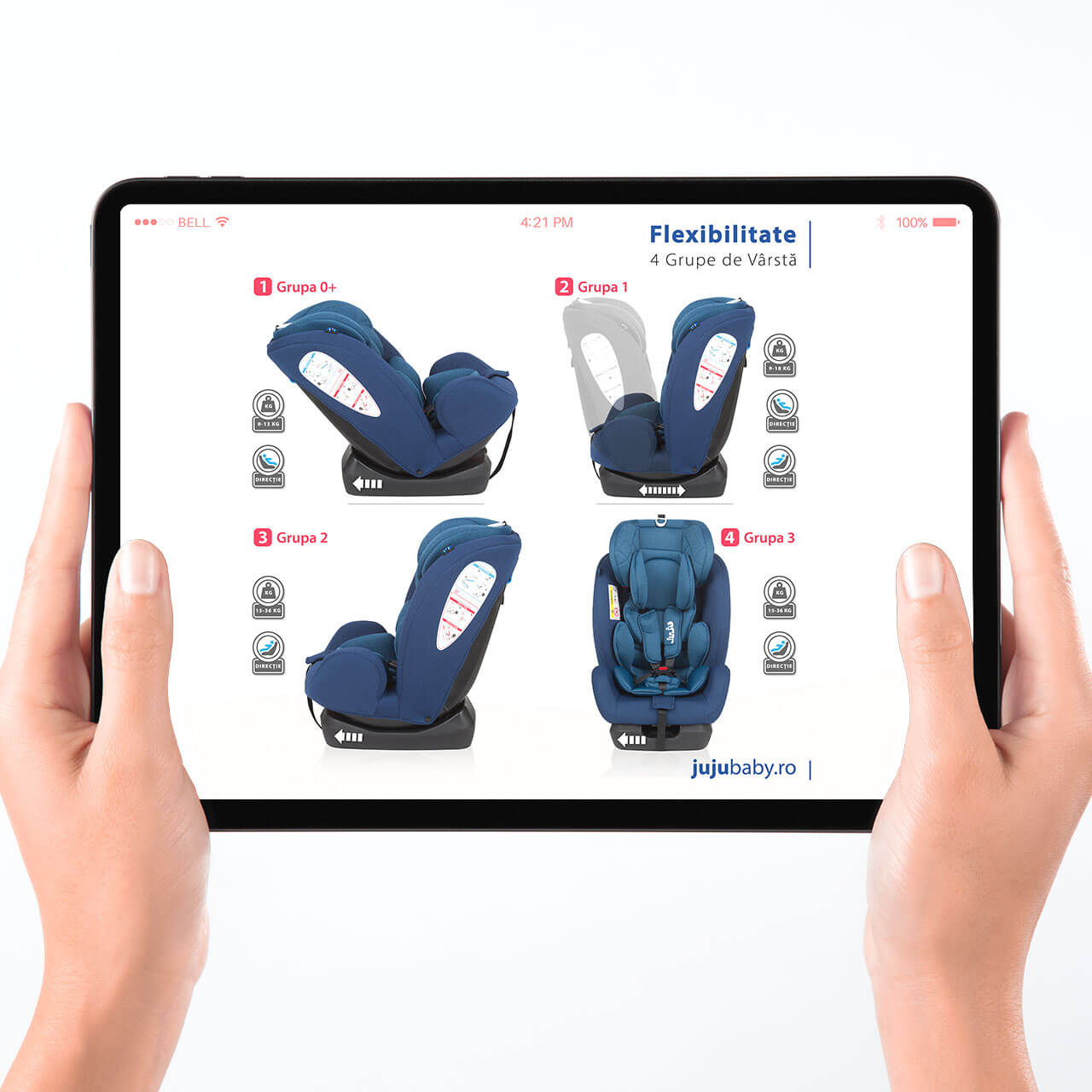
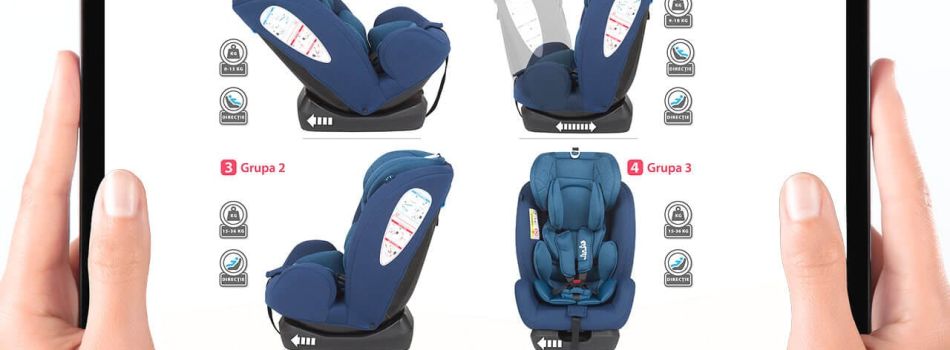
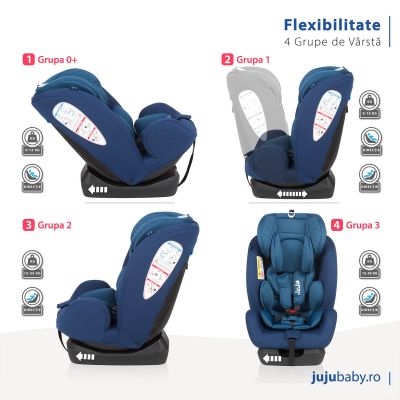
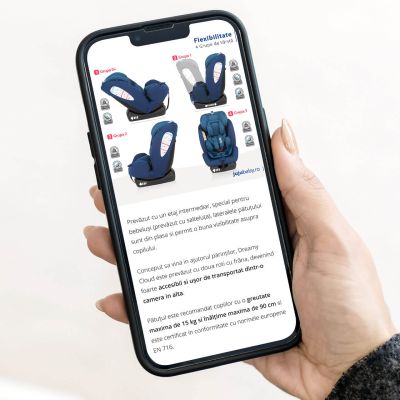
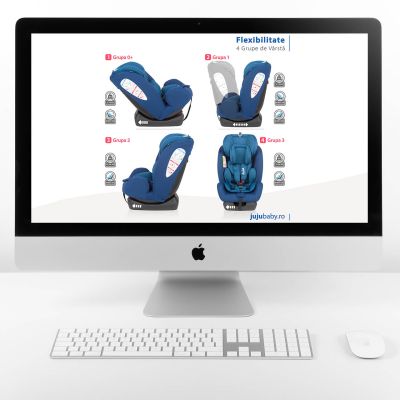
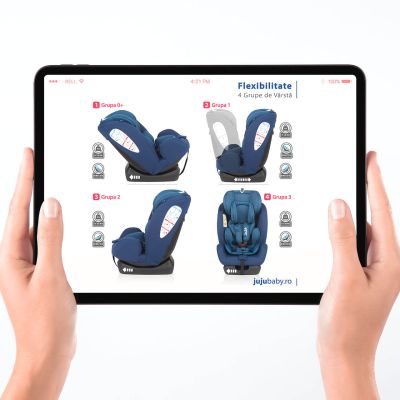
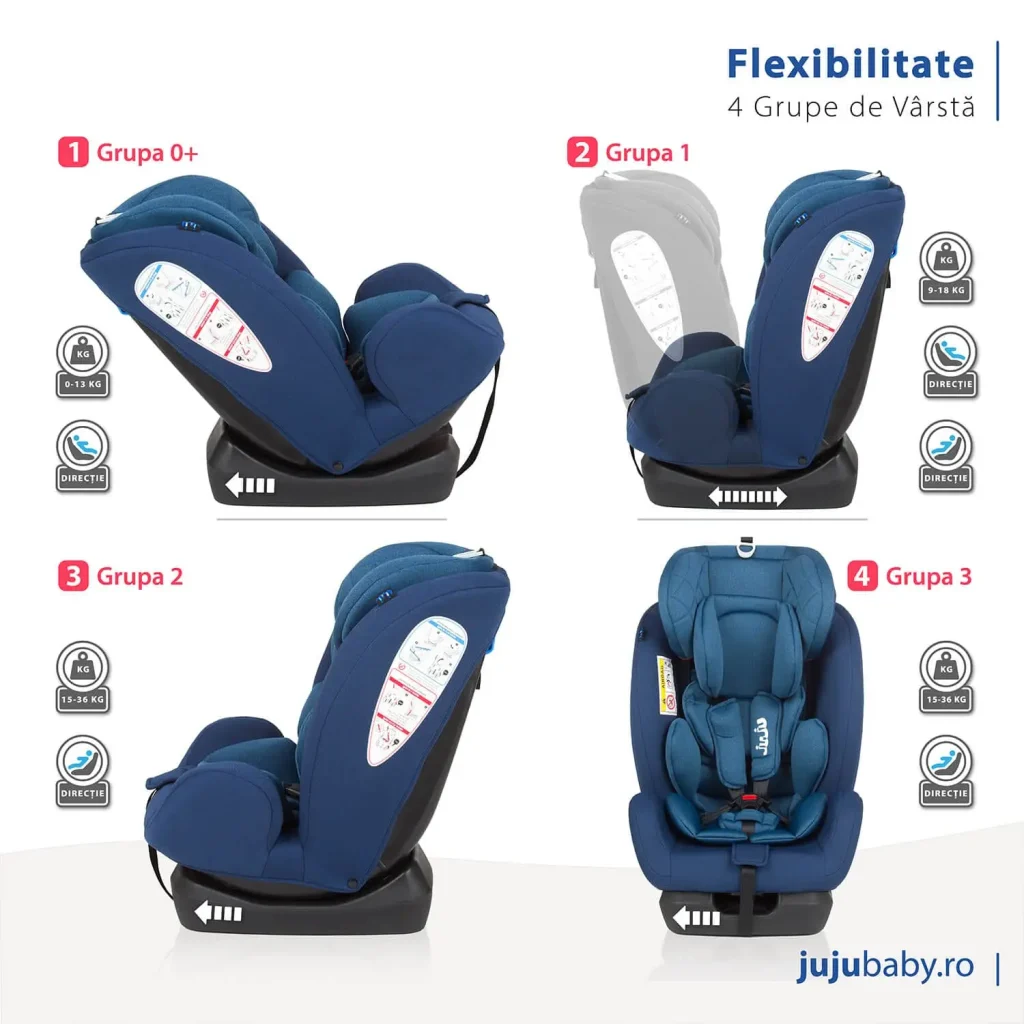
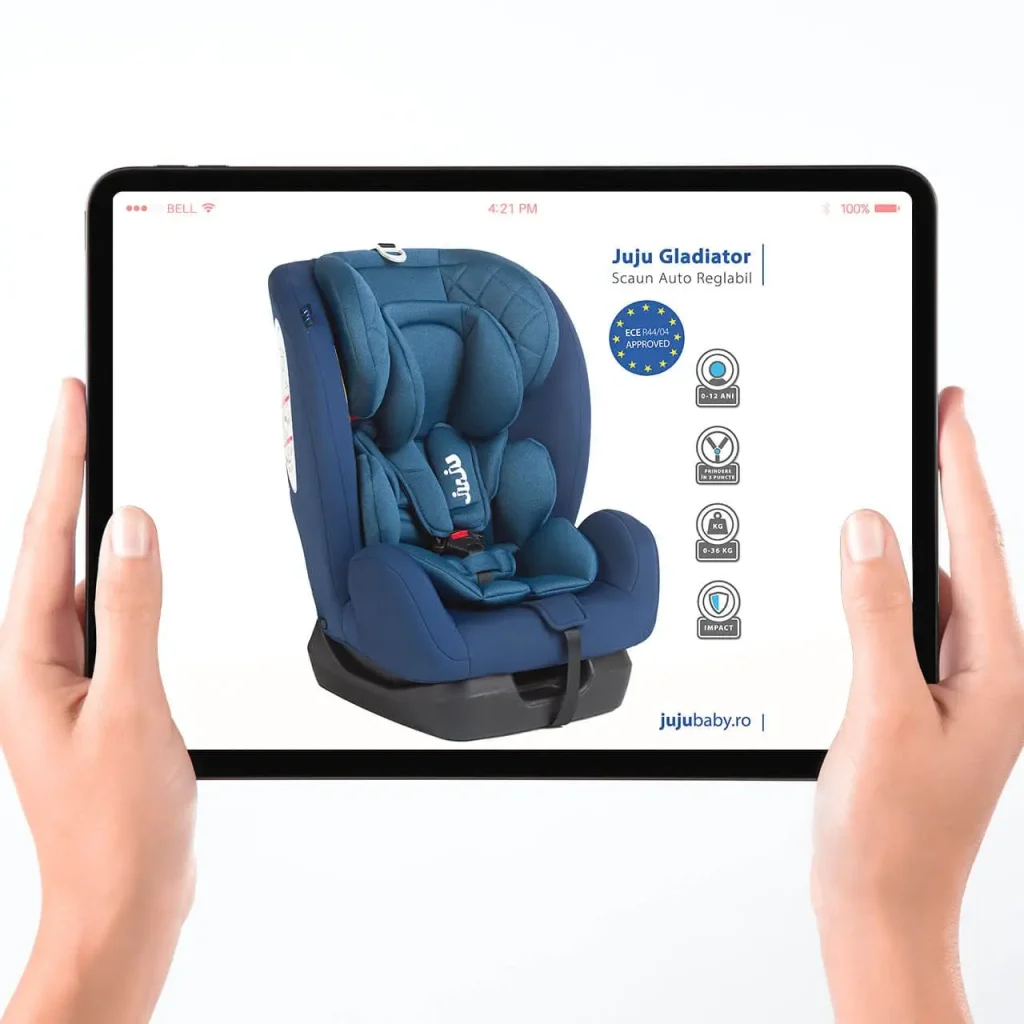
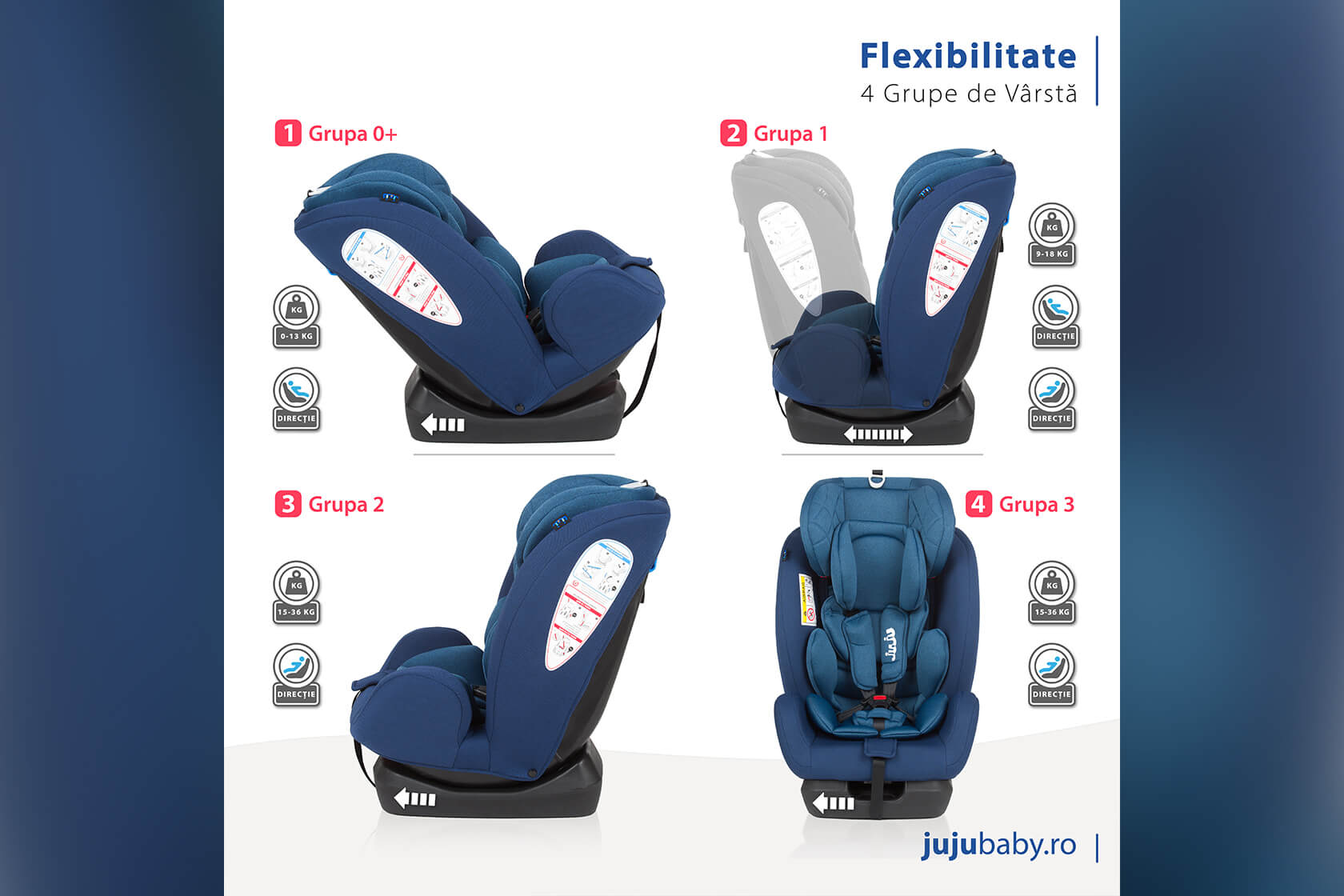
This visual was created to highlight the flexibility of the Juju Gladiator car seat, which adapts to four different age and weight groups.

The goal was to clearly illustrate how the product adapts as a child grows, while maintaining a clean, easy-to-understand layout for e-commerce or promotional use.

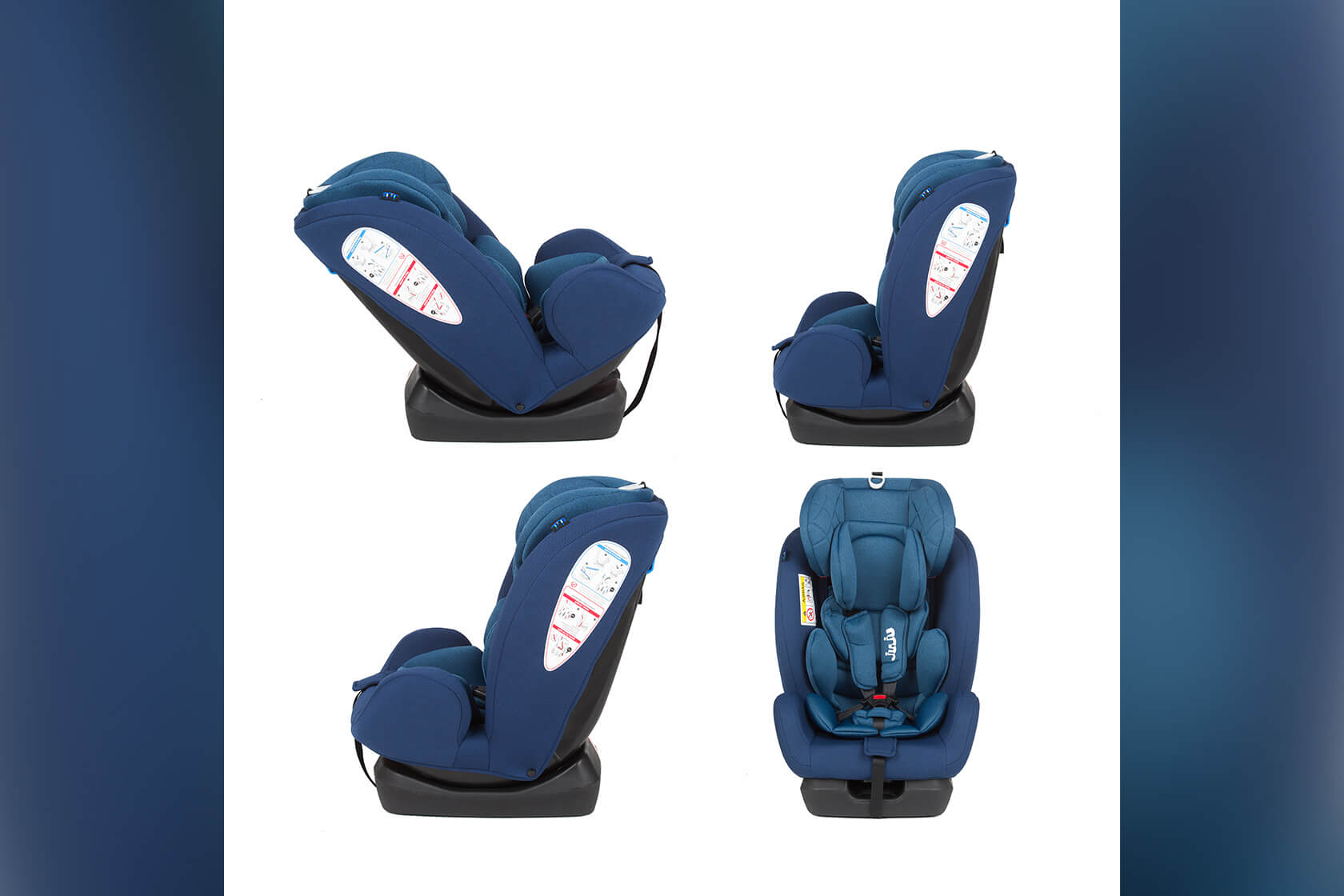
The process began in Photoshop, where I focused on cleaning up and aligning the base images of the car seat.

Some of the original shadows were uneven or missing due to different angles, so I manually recreated and adjusted shadows for consistency across all seat positions.

These subtle adjustments helped ensure each seat variation appears grounded and naturally lit, without distracting inconsistencies. 

After finalizing the individual images, I moved the composition into Adobe Illustrator to build the final layout. I structured the image in a clear grid to visually separate each growth stage—Grupa 0+, Grupa 1, Grupa 2, and Grupa 3—making it easy for customers to understand the product’s functionality at a glance.

Want a Product Image That Sells?

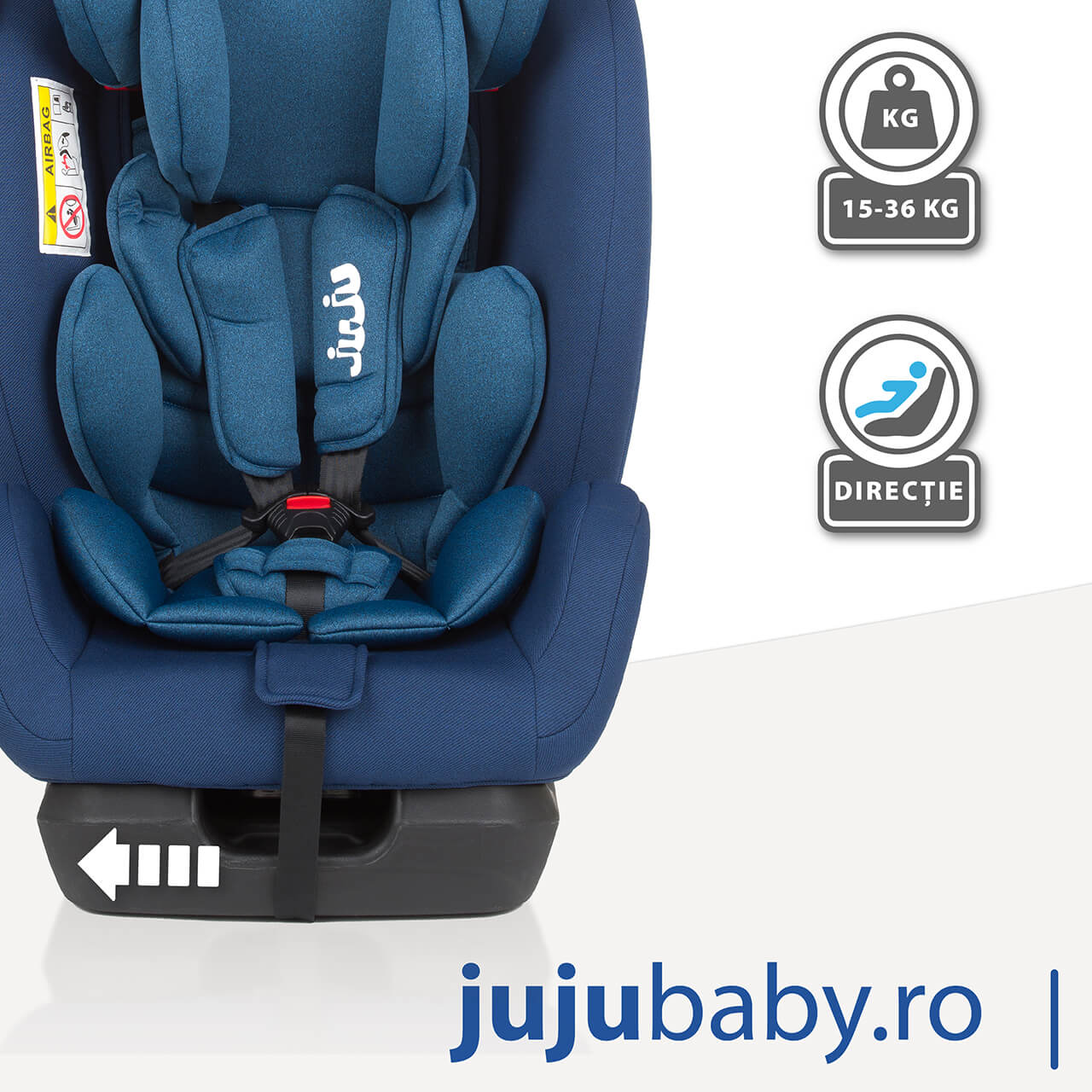
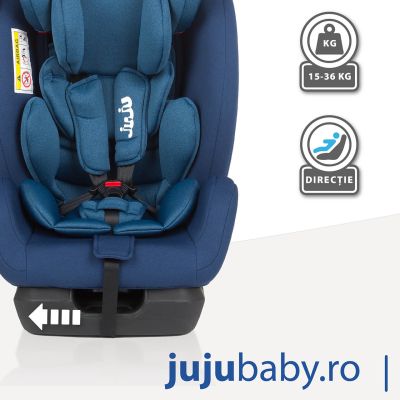
Each configuration was labeled with its corresponding group, and I designed custom icons to indicate the weight range and installation direction for every stage. These icons were placed next to the images to offer quick, intuitive reading, especially useful in an online shopping context.

To highlight flexibility, I added arrows under the base of the seats and used motion blur on one of the “Grupa 1” images to show the reclining feature in a dynamic but subtle way. These details help explain features without needing extra text.

Typography, spacing, and colors were chosen to match the client’s branding and ensure the image is visually balanced and clear across all devices, including mobile.

The end result is a polished, user-friendly product image that builds trust and encourages engagement.

This graphic communicates a lot of technical information in a simple, well-structured format, ideal for use in online shops, brochures, or digital ads targeting modern parents.

Customer

Dot Com Investment S.R.L

Category

Services, Presentation, E-commerce

Tags

#wordpress, #design, #photoshop, #retouch, #optimize

Skills used
Layout & Composition
50%
Shadow Creation & Image Cleanup
10%
Icon Design & Visual Labels
25%
Typography & Brand Alignment
15%
Jujutoys-Gladiator-view-2-Bratcovici Radu-tablet

This visual was created to highlight the flexibility of the Juju Gladiator car seat, which adapts to four different age and weight groups.

The goal was to clearly illustrate how the product adapts as a child grows, while maintaining a clean, easy-to-understand layout for e-commerce or promotional use.

The process began in Photoshop, where I focused on cleaning up and aligning the base images of the car seat.
Some of the original shadows were uneven or missing due to different angles, so I manually recreated and adjusted shadows for consistency across all seat positions.

These subtle adjustments helped ensure each seat variation appears grounded and naturally lit, without distracting inconsistencies. 

After finalizing the individual images, I moved the composition into Adobe Illustrator to build the final layout. I structured the image in a clear grid to visually separate each growth stage—Grupa 0+, Grupa 1, Grupa 2, and Grupa 3—making it easy for customers to understand the product’s functionality at a glance.

Each configuration was labeled with its corresponding group, and I designed custom icons to indicate the weight range and installation direction for every stage.
These icons were placed next to the images to offer quick, intuitive reading, especially useful in an online shopping context.

To highlight flexibility, I added arrows under the base of the seats and used motion blur on one of the “Grupa 1” images to show the reclining feature in a dynamic but subtle way. These details help explain features without needing extra text.

Typography and spacing were chosen to match the client’s branding and ensure the image is visually balanced and clear across all devices, including mobile.
Color choices were selected to align with the existing brand visuals of jujubaby.ro, maintaining a clean and modern feel that appeals to parents shopping for safe and practical child car seats.

The end result is a polished, user-friendly product image that builds trust and encourages engagement.

This graphic communicates a lot of technical information in a simple, well-structured format, ideal for use in online shops, brochures, or digital ads targeting modern parents.

Skills used
Layout & Composition
50%
Shadow Creation & Image Cleanup
10%
Icon Design & Visual Labels
25%
Typography & Brand Alignment
15%
Want a Product Image That Sells?
Jujutoys-Gladiator-view-2-Bratcovici Radu-tablet

This visual was created to highlight the flexibility of the Juju Gladiator car seat, which adapts to four different age and weight groups.

The goal was to clearly illustrate how the product adapts as a child grows, while maintaining a clean, easy-to-understand layout for e-commerce or promotional use.

The process began in Photoshop, where I focused on cleaning up and aligning the base images of the car seat.
Some of the original shadows were uneven or missing due to different angles, so I manually recreated and adjusted shadows for consistency across all seat positions.

These subtle adjustments helped ensure each seat variation appears grounded and naturally lit, without distracting inconsistencies. 

After finalizing the individual images, I moved the composition into Adobe Illustrator to build the final layout. I structured the image in a clear grid to visually separate each growth stage—Grupa 0+, Grupa 1, Grupa 2, and Grupa 3—making it easy for customers to understand the product’s functionality at a glance.

Each configuration was labeled with its corresponding group, and I designed custom icons to indicate the weight range and installation direction for every stage. These icons were placed next to the images to offer quick, intuitive reading, especially useful in an online shopping context.

To highlight flexibility, I added arrows under the base of the seats and used motion blur on one of the “Grupa 1” images to show the reclining feature in a dynamic but subtle way. These details help explain features without needing extra text.
Typography, spacing, and colors were chosen to match the client’s branding and ensure the image is visually balanced and clear across all devices, including mobile.

The end result is a polished, user-friendly product image that builds trust and encourages engagement.

This graphic communicates a lot of technical information in a simple, well-structured format, ideal for use in online shops, brochures, or digital ads targeting modern parents.

Skills used
Layout & Composition
50%
Shadow Creation & Image Cleanup
10%
Icon Design & Visual Labels
25%
Typography & Brand Alignment
15%
Want a Product Image That Sells?
Customer

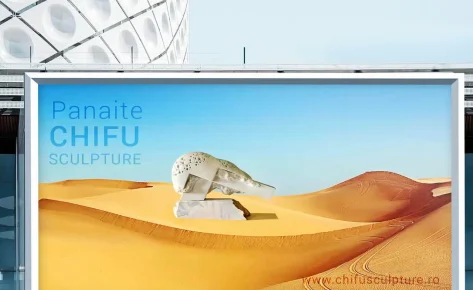
Sculptor CHIFU Panaite

Category

 Art Retouching

Tags

#photoshop, #retouch, #optimize

get in touch

    Hidden fields

    Before & After

    Want to Match Today’s E-Commerce Trends?
    Want to Match Today’s ECommerce Trends?
    Want to Match Today’s E-Commerce Trends?
    Recently Added
    Recently Added
    Privacy Preferences
    When you visit our website, it may store information through your browser from specific services, usually in form of cookies. Here you can change your privacy preferences. Please note that blocking some types of cookies may impact your experience on our website and the services we offer.