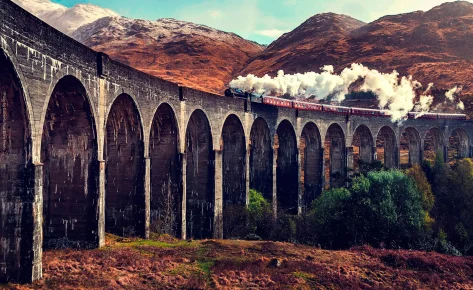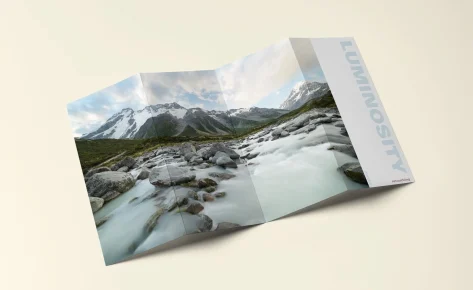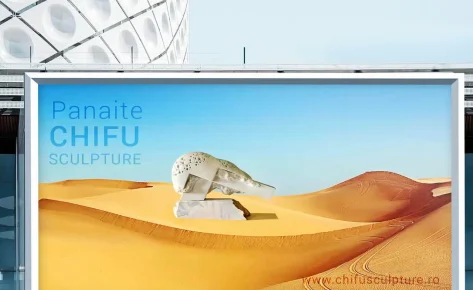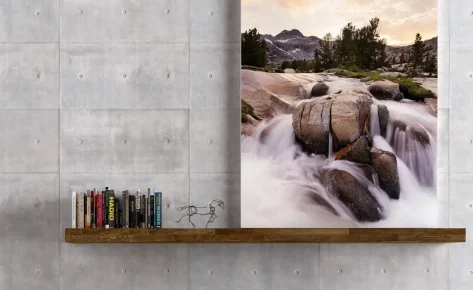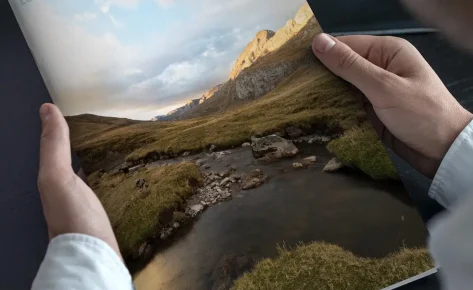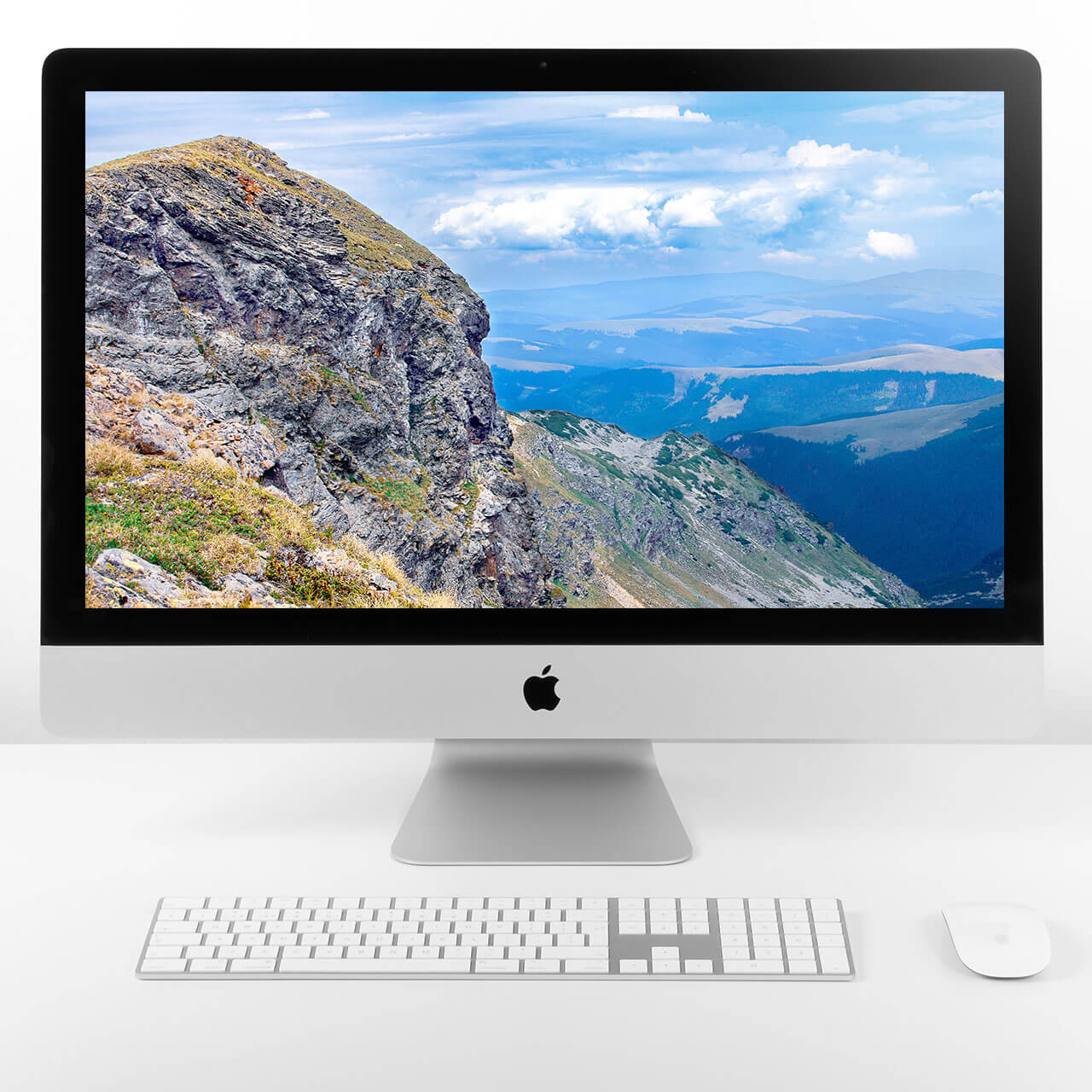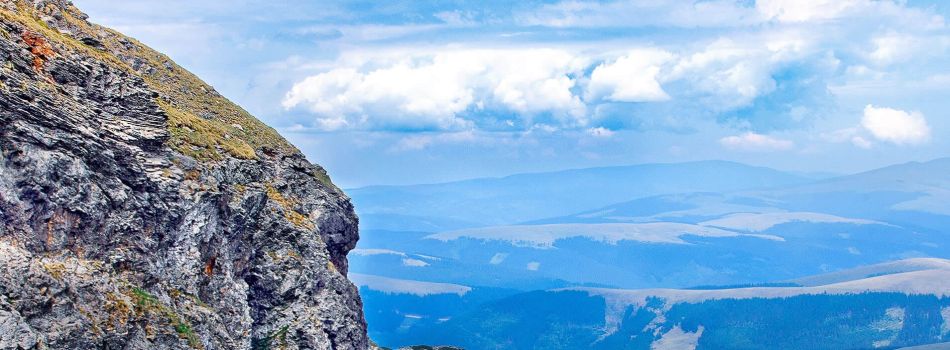





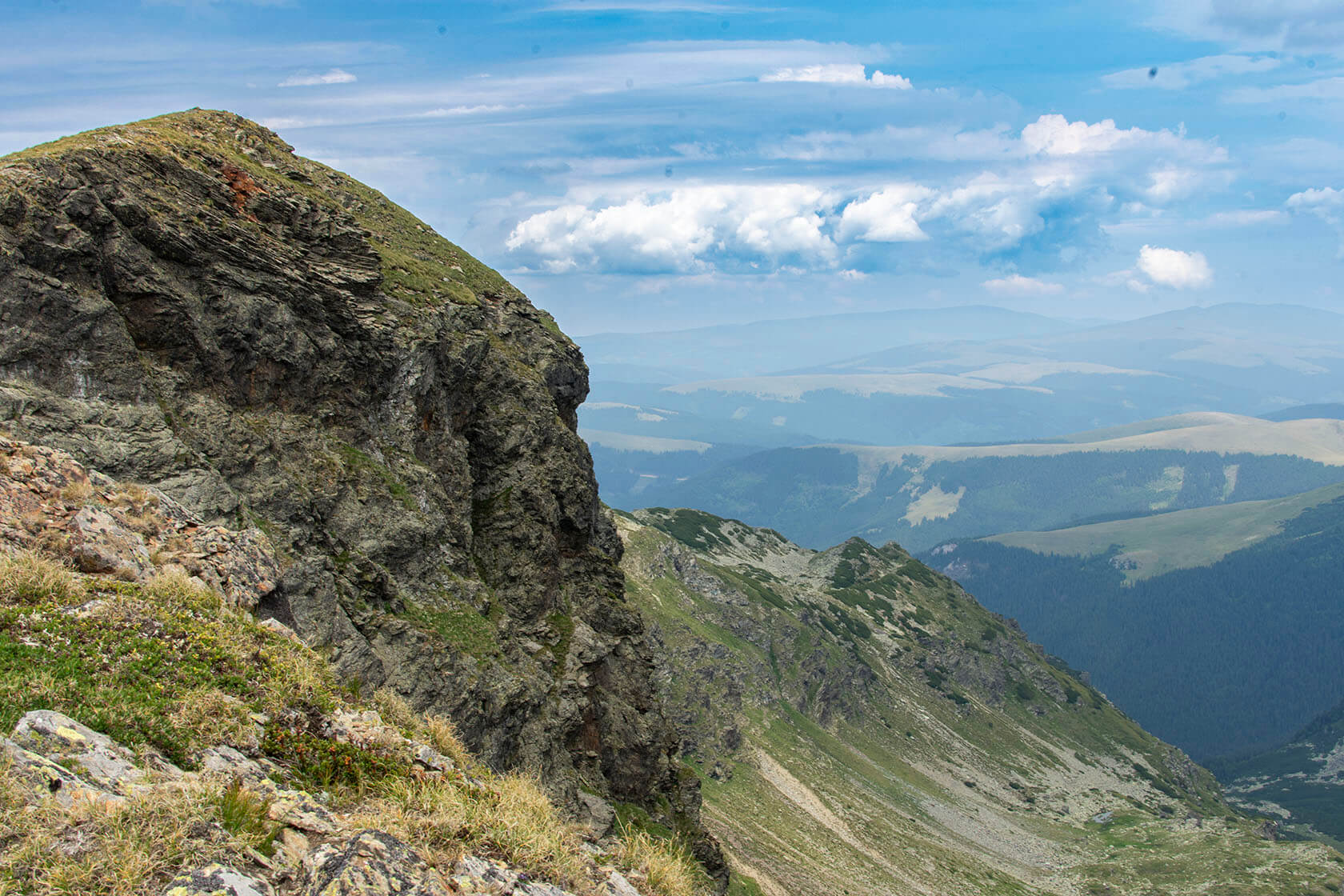
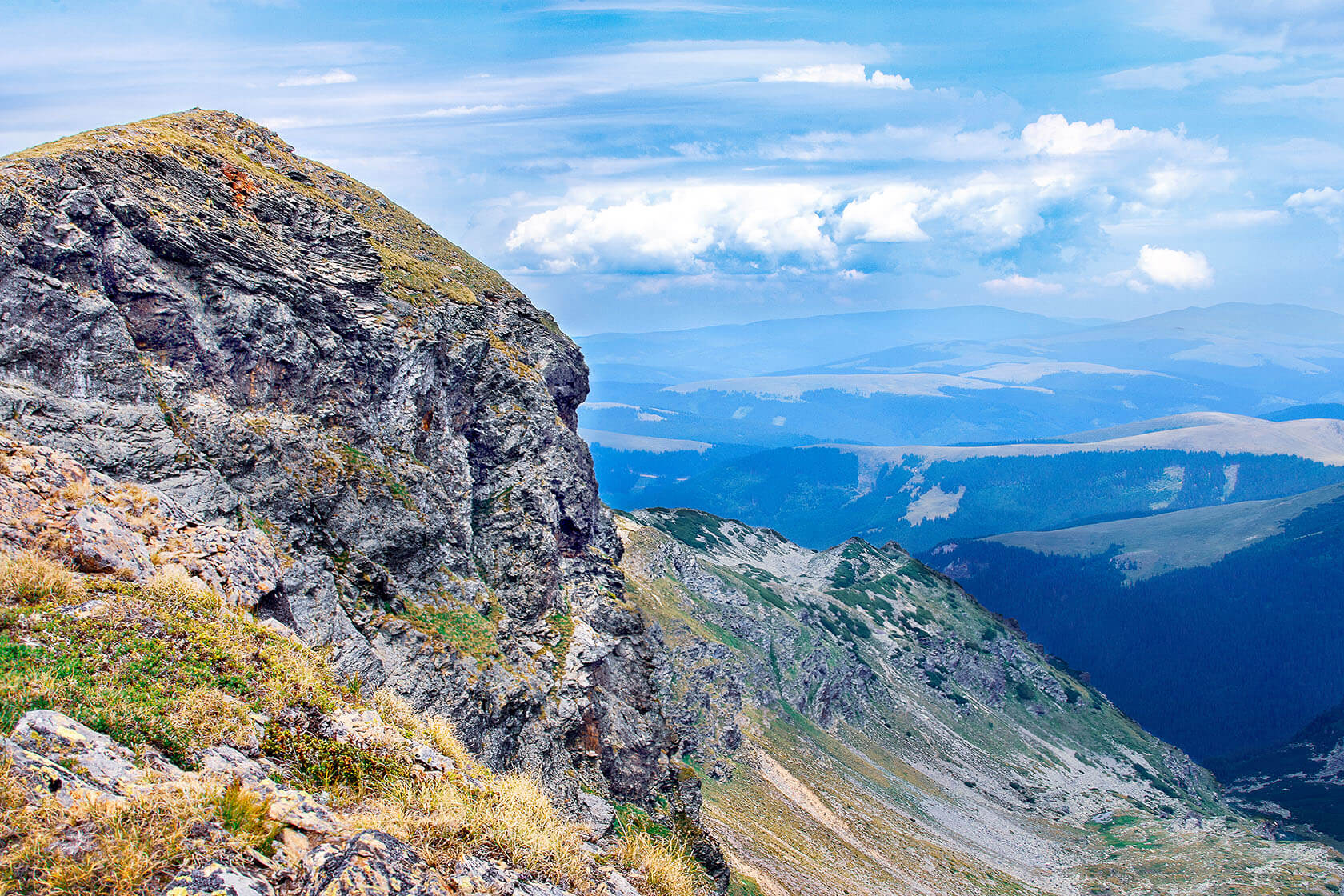



This edit preserves the raw character of the Parâng Mountains while delivering a more vivid and immersive visual experience.
I began the retouching process by adjusting the profile and correcting chromatic aberration in Lightroom. This made the colors cleaner and the image more accurate before moving it into Photoshop.
In Photoshop, I removed visible dust spots and small marks from the sky using basic repair tools. like Healing Brush and Clone Stamp tools. This helped create a smooth and distraction-free background.
To make the scene feel deeper, I adjusted the contrast so the rocky textures in the front stood out more, while the distant hills looked softer and more atmospheric, working with curves adjustments combined with luminosity masks. Selectively increasing contrast in the rocky textures while softening the distant hills for a more atmospheric effect.
I balanced the sky by darkening it gradually and fine-tuning the colors, bringing out the blues and giving the clouds more defined cloud structures gradient masks and selective hue adjustments.
I fine-tuned vegetation tones with hue/saturation layers, carefully enhancing the greens and earth tones without oversaturating, making them richer but still realistic.
For the rocky areas, I used a technique to smooth out any strange color patches while keeping the fine textures sharp.
Final steps included local sharpening applied at different depths across the image, foreground elements were enhanced for clarity, while background layers were gently softened to maintain a natural haze.
Category
Website, Services, Presentation
Tags
#wordpress, #design, #photoshop, #retouch, #optimize
Skills used
This edit preserves the raw character of the Parâng Mountains while delivering a more vivid and immersive visual experience.
I began the retouching process by adjusting the profile and correcting chromatic aberration in Lightroom. This made the colors cleaner and the image more accurate before moving it into Photoshop.
In Photoshop, I removed visible dust spots and small marks from the sky using basic repair tools. like Healing Brush and Clone Stamp tools. This helped create a smooth and distraction-free background.
To make the scene feel deeper, I adjusted the contrast so the rocky textures in the front stood out more, while the distant hills looked softer and more atmospheric, working with curves adjustments combined with luminosity masks. Selectively increasing contrast in the rocky textures while softening the distant hills for a more atmospheric effect.
I balanced the sky by darkening it gradually and fine-tuning the colors, bringing out the blues and giving the clouds more defined cloud structures gradient masks and selective hue adjustments.
I have fine-tuned vegetation tones with hue/ saturation layers, carefully enhancing the greens and earth tones without oversaturating, making them richer but still realistic.
For the rocky areas, I used a technique to smooth out any strange color patches while keeping the fine textures sharp.
Final steps included local sharpening applied at different depths across the image, foreground elements were enhanced for clarity, while background layers were gently softened to maintain a natural haze.
Skills used
This edit preserves the raw character of the Parâng Mountains while delivering a more vivid and immersive visual experience.
I began the retouching process by adjusting the profile and correcting chromatic aberration in Lightroom. This made the colors cleaner and the image more accurate before moving it into Photoshop.
In Photoshop, I removed visible dust spots and small marks from the sky using basic repair tools. like Healing Brush and Clone Stamp tools. This helped create a smooth and distraction-free background.
To make the scene feel deeper, I adjusted the contrast so the rocky textures in the front stood out more, while the distant hills looked softer and more atmospheric, working with curves adjustments combined with luminosity masks. Selectively increasing contrast in the rocky textures while softening the distant hills for a more atmospheric effect.
I balanced the sky by darkening it gradually and fine-tuning the colors, bringing out the blues and giving the clouds more defined cloud structures gradient masks and selective hue adjustments.
I fine-tuned vegetation tones with hue/saturation layers, carefully enhancing the greens and earth tones without oversaturating, making them richer but still realistic.
For the rocky areas, I used a technique to smooth out any strange color patches while keeping the fine textures sharp.
Final steps included local sharpening applied at different depths across the image, foreground elements were enhanced for clarity, while background layers were gently softened to maintain a natural haze.
Skills used
Category
Art Retouching
Tags
#photoshop, #retouch, #optimize
get in touch
Before & After